

Report Contents
The report includes:- Cover page with your organization’s branding, the user’s name, tenant, and reporting period
- Sign-ins: authentication activity across all M365 services, including geographic origins and application usage
- Exchange: emails sent and received, external recipients, and notable subjects
- SharePoint: files accessed, modified, or shared
- Teams: messaging, meetings, and collaboration activity
- Devices & Apps: registered devices and OAuth application consent or registration events during the reporting period
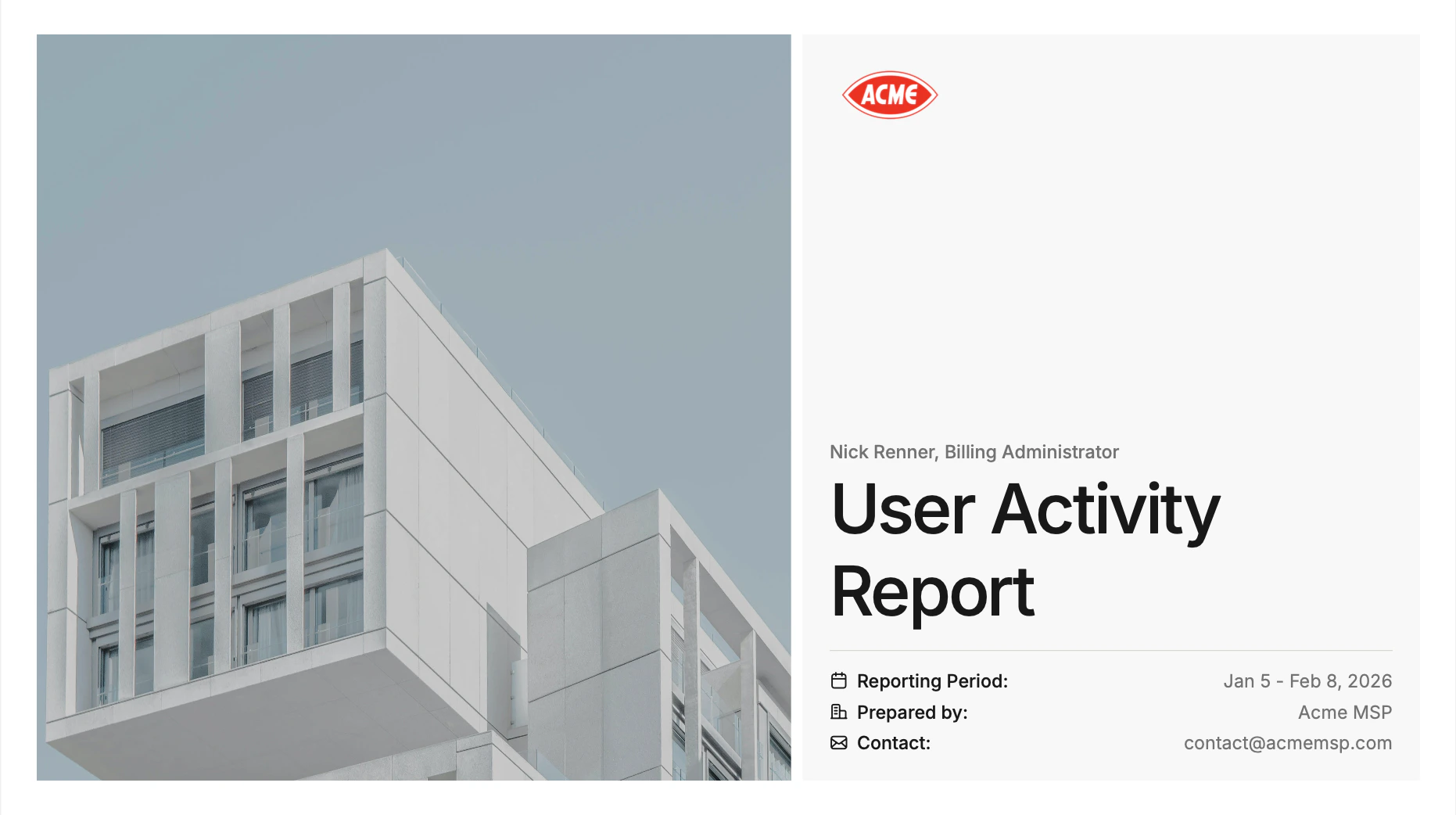
User Activity Report (Cover)
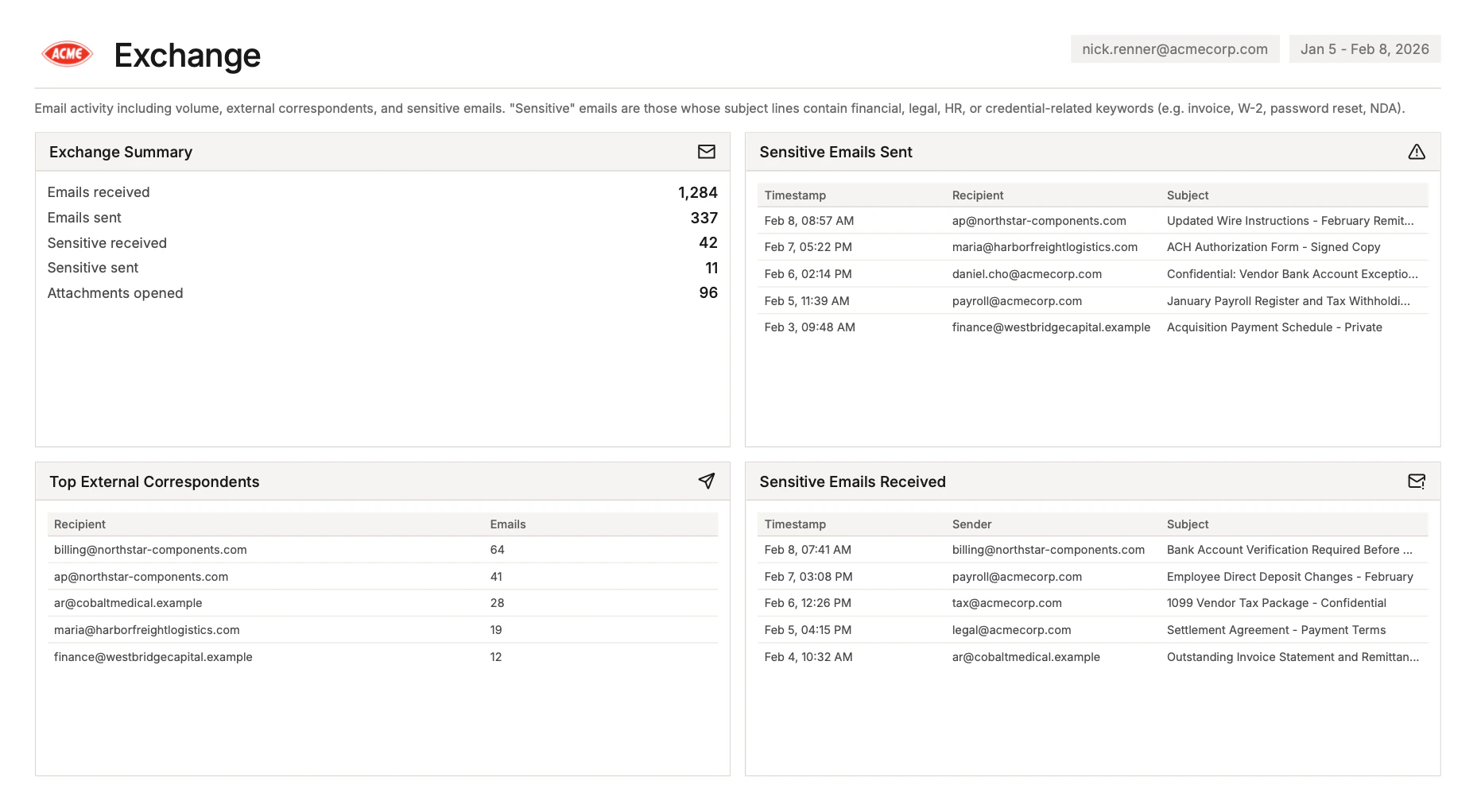
User Activity Report (Exchange)
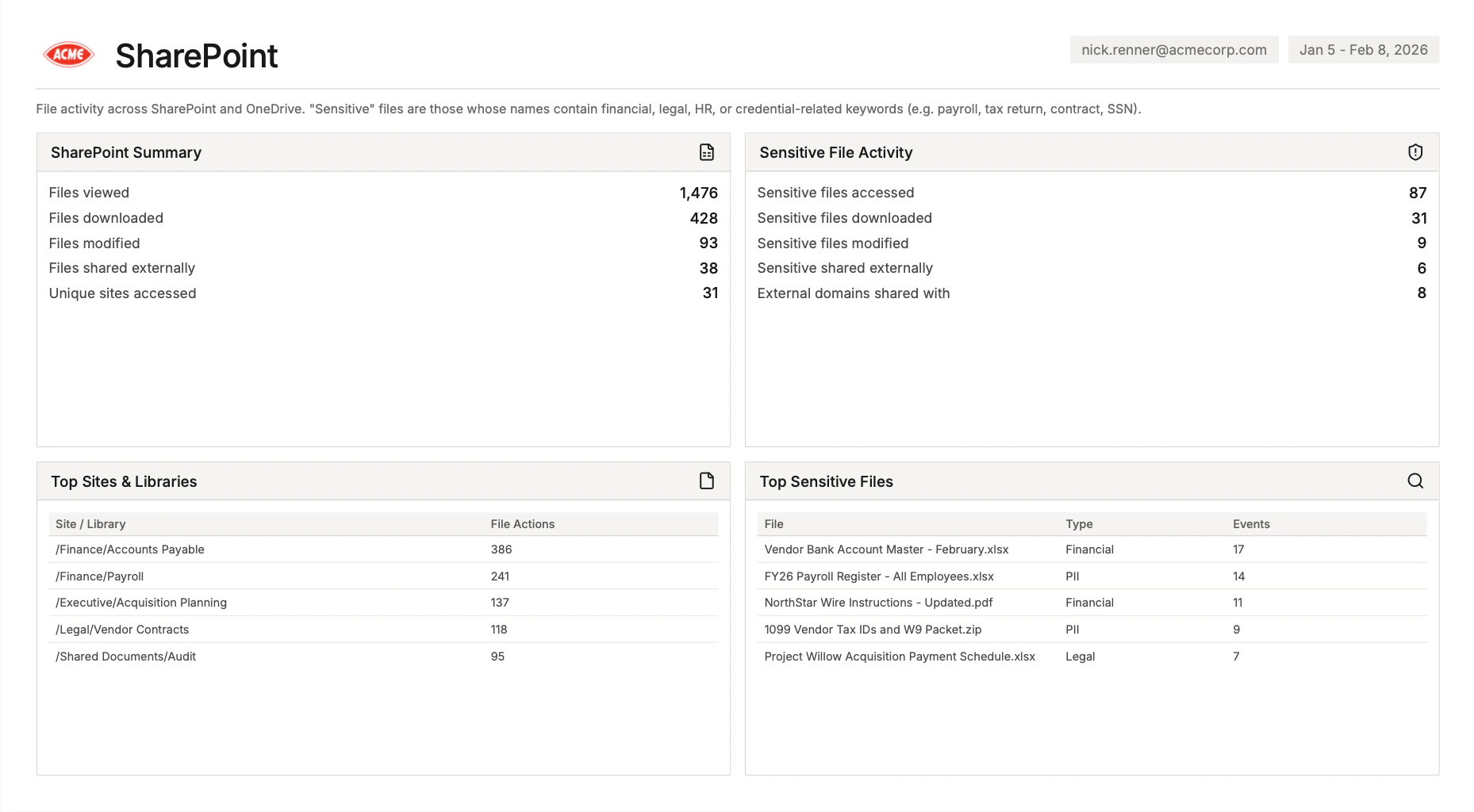
User Activity Report (SharePoint)
Generating the Report
- From the Homepage, click into a tenant.
- Scroll down to the Activity logs section.
- Click the User Activity button.
- Select the user and date range, then download the PDF.
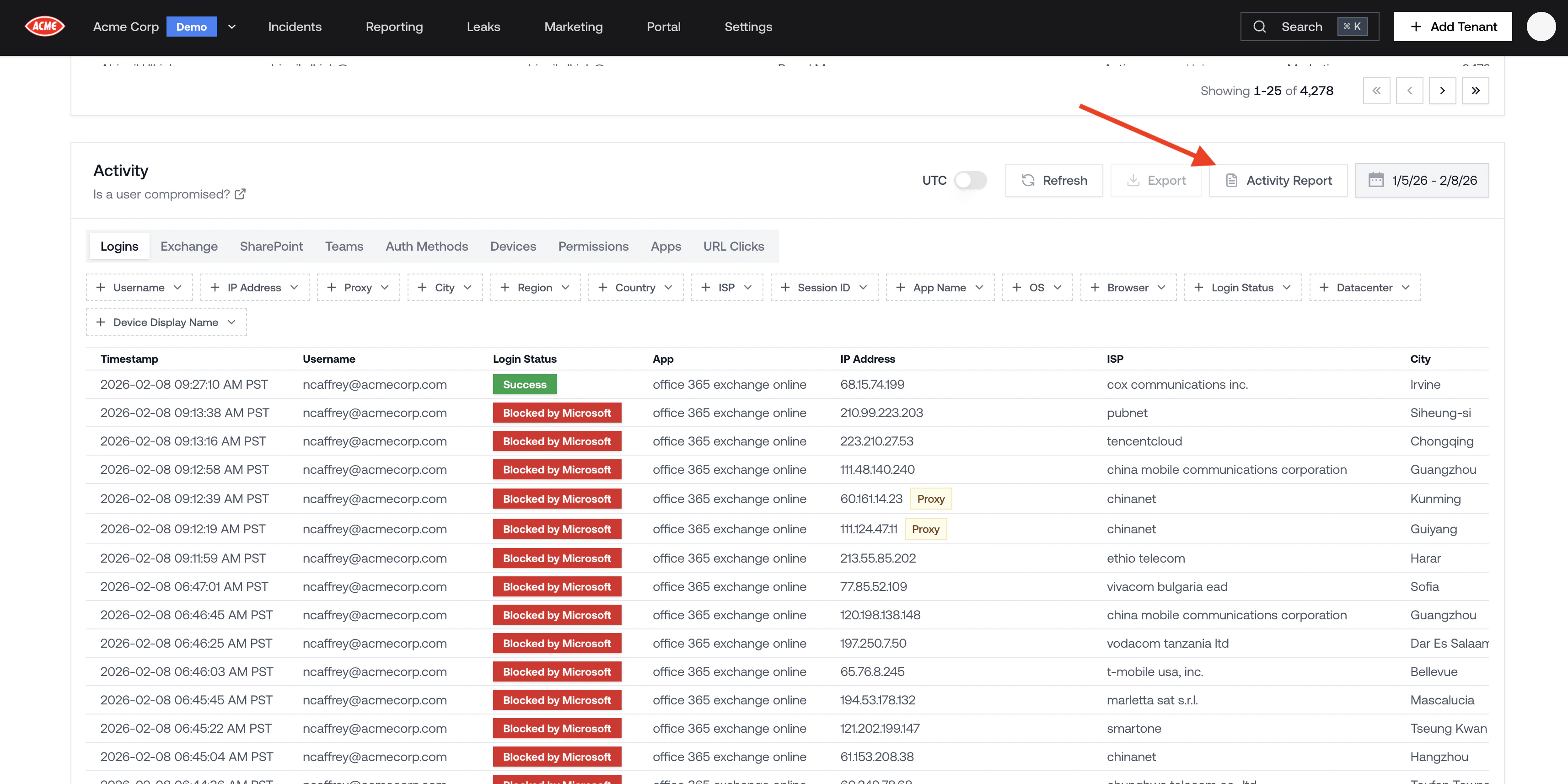
Generating a User Activity Report