A 6-month forensic lookback on any Microsoft 365 tenant. Scan surfaces active attackers and leftover persistence, then includes 14 days of active monitoring per tenant.
Use this file to discover all available pages before exploring further.
Petra Scan is a 6-month forensic lookback on a Microsoft 365 tenant. Onboard a tenant, and within 24 to 48 hours you receive a “Petra Scan Complete” email with a summary of findings and a white-labeled Scan Report PDF. After the Scan, the tenant gets 14 days of active monitoring before billing starts.Scan is the fastest way to find out whether a tenant has an active attacker, leftover inbox rules from a past BEC, or a malicious OAuth app sitting in the environment. It runs on real Microsoft 365 logs, not a questionnaire.
Scan analyzes the last 6 months of Microsoft 365 activity for a tenant and surfaces:
Active attackers still operating in the environment.
Persistence mechanisms left behind by past compromises, including malicious inbox rules, forwarding rules, and consented OAuth apps.
Targeted accounts that attackers are actively trying to break into, based on observed failed-attack patterns (for example, Hornet toolkit attempts).
Scan covers logs from Entra ID (sign-ins, audit), Exchange Online (mailbox activity, inbox rules, message trace), SharePoint and OneDrive, Teams, and app registrations and consents.
Scan can only analyze logs that Microsoft was actively recording. If audit logs were recently enabled on a tenant, the lookback only covers the period since they were turned on. See Audit Logs for details.
When the Scan finishes, the organization’s notification recipients (and org admins during trial) get an email with the subject “Petra Scan Complete”.The email includes:
A status line showing how many tenants Petra scanned and how many are still in progress.
A bulleted summary of the highest-priority incidents found, with tenant names.
The Scan Report PDF attached for the most relevant tenant.
A list of frequently targeted accounts (when no incidents were found) so you can advise those users to harden.
Links to view full incident detail in the Petra dashboard.
The Scan Report is a white-labeled PDF you can share with the client or use in a sales meeting. It uses your organization’s logo, name, and contact email. You can generate one for any tenant on demand from the incident page (click Download Report) or from the Reporting tab.
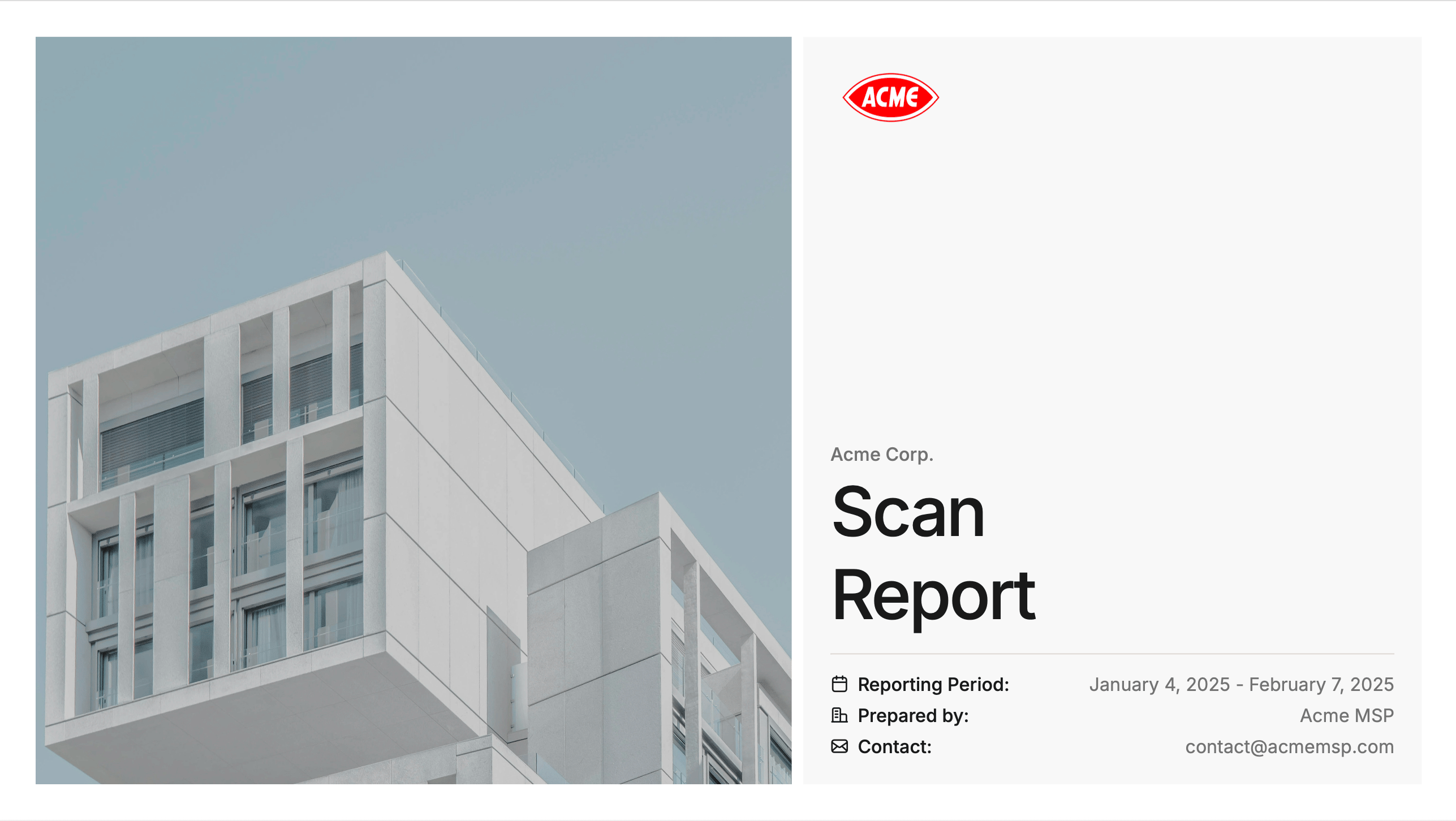
The report covers the threat hunting Petra performed, the incidents found with full forensics (blast radius, persistence mechanisms, phishing evidence, time to detection), and context on why M365 protection matters.For the full breakdown of report contents, see Prospecting Report. The Scan Report uses the same template, focused on the incidents Scan surfaced.
Choose Continue with Partner Center and connect your CSP account (sign in with your Microsoft Partner Center account that holds your active GDAP relationships and is in the AdminAgents security group, not a client tenant’s Global Admin account).
Your managed tenants appear in a table. Select the tenants you want, then click Onboard.
Confirm the onboarding settings and click Onboard Tenant.
Petra installs the application across the selected tenants automatically using your GDAP relationship. No client action required. For full setup, GDAP requirements, and FAQs, see Partner Center.
Scan is included with every onboarded tenant. Each scanned tenant also gets 14 days of active monitoring that begins after the Scan completes. During that window, Petra monitors the tenant in real time and you get the same incidents, signals, and remediation steps as a paying tenant.If you want to avoid any billing risk, check Scan-only when you onboard. The tenant will auto-pause after the 14-day window so it never moves into billable monitoring without you opting in. You can resume it any time from Settings > Usage. See Onboard a Tenant for the full breakdown of Scan-only vs. standard onboarding.
Does Scan install an enterprise application in the tenant?
Yes. Petra installs the Petra M365 Security Analyzer Azure application in the tenant. The app is granted the Microsoft Graph, Exchange, and Office 365 Management permissions Petra needs to read audit logs and act on findings. Through Partner Center, the install happens via your existing GDAP relationship and no client action is required. Through the single-tenant flow, a Global Admin consents to the app.
Usually 24 to 48 hours. Some tenants take longer depending on the speed of Microsoft’s APIs. Petra publishes results as they come out, so you may receive progress emails before the final completion email.
No. There is no charge for the Scan or the 14 days of active monitoring that follow it. You only get billed if you keep the tenant on monitoring after the 14-day window.
The tenant pauses automatically. Billing does not start. You can resume monitoring at any time from Settings > Usage. If you want to skip the auto-pause and roll directly into paid monitoring, uncheck Scan-only when you onboard.
The Scan runs automatically the first time a tenant is onboarded. To regenerate the Scan Report PDF for a tenant later, go to the tenant’s incident page and click Download Report, or use the Reporting tab.
Scan surfaces active attackers, leftover persistence, and past compromises the Petra SOC team flags as worth reviewing. Autopsy is a paid, deeper investigation that pulls every past incident in the 6-month window with full forensic detail, including incidents that were already fully remediated. Most users only need Scan. See Autopsy Mode.
Yes. Scan reads from Microsoft’s unified audit log. There is no cost to enable audit logs regardless of Microsoft licensing. If audit logs were only recently enabled, the lookback only covers the period since they were turned on. See Audit Logs.
The organization’s configured notification recipients for the tenant, plus organization admins during trial. To change recipients, see Update Incident Notification Methods.
That is a real result. The email lists the tenants scanned, confirms no incidents were found, and surfaces frequently targeted accounts so you can help those users harden. Active monitoring continues for the rest of the 14-day window, so a compromise that happens during that window will still be caught.
Yes. The report is white-labeled and designed to be shared. Many MSPs use it directly in client meetings and QBRs. For sales talk tracks and additional collateral, see the Marketing Hub.