
When Axios is Innocent
Even the most suspicious signals can sometimes be benign.
Limiting the number of false positives in business email compromise (BEC) is extremely important. If we escalate benign activity to our partners, it generates a lot of noise and could eventually lead to alert fatigue.
Similarly, if our SOC is overwhelmed with noisy alerts internally they could experience the same fatigue or would at the very least have to sift through all the noise to get the real compromises, resulting in a much slower response time.
As attack volume and complexity grows, systems that limit false positives, while still detecting all true positives, become increasingly important. Traditionally, this is the hardest part of BEC detection. Benign logins often look suspicious, coming from data centers or suspicious locations, or even sharing components with known attacker toolkits.
Today, we will focus on the latter case: How do you distinguish between benign and malicious logins that share key infrastructure?
Axios is always malicious... right?
One example of a commonly observed malicious artifact is the use of the Axios browser. Axios is used by attackers to intercept HTTP requests, steal credentials, and capture session tokens or MFA verifications.
Here's one example (surfaced retrospectively via a Petra Scan) of what it looks like:

Since 2024, toolkits leveraging the axios browser to programmatically infiltrate and wreak havoc in users' accounts have been a mainstay in the BEC attack landscape. We still catch and stop many of these every single week.
With this information in mind, what do you do when you see this login? It would be easy enough to just block all axios activity right? Surely we would do that in the case below too.

At first glance, the login looks very suspicious, for several reasons:
- The application is not widely known
- Signed in with axios
- No operating system
And then the account showed significant machine-driven email-read events over the next several weeks! Even more suspicious!
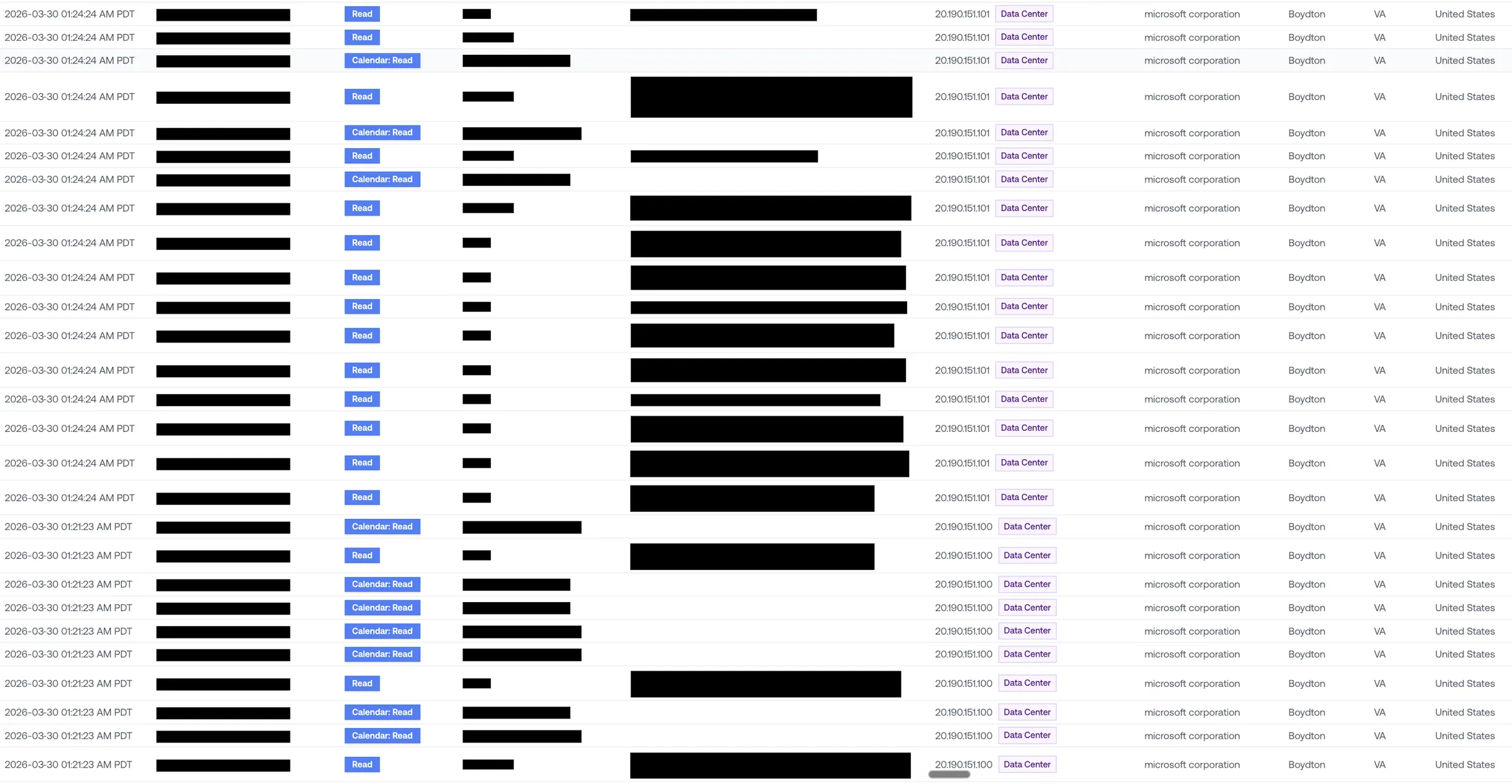
Petra did not lock this account or escalate the activity to our partner.
And, no, this was not a False Negative. Our models correctly classified this as benign behavior and our SOC agreed.
So, what did the models and SOC both see that made them so confident that this was benign activity?
To recap, the primary malicious markers were 1) An unknown app, 2) axios use, and 3) no operating system.
In this case, the tenant was a small law firm. As it turns out, LEAP is a legal practice-management platform. It is used by attorneys and other legal professionals to sign-in on the user's behalf and file their email correspondence into matter records (centralized case files). So, this "unknown app" use is actually normal. A law firm using legal software is completely expected behavior.
Furthermore, the LEAP application's backend is written as a Node.js service, which is why the browser is Axios. Axios is simply Node's most popular HTTP library. There's nothing inherently nefarious about using the most common library to build your app.
Finally, this brings us to the lack of an operating system. The application's backend isn't going to be logging in through an OS, since, as we described, it is using programmatic access through Axios. Not malicious.
This is a basic example of the type of pattern recognition that our models are built for. Once you combine this behavioral context with the attack pattern, it becomes obvious that this was not a compromise.





See what's in your last six months of logs.
Get insurance-grade forensics on the last 6 months of your M365 logs. Setup takes 5 minutes with results in 48 hours.